Where do I find my submitted application on e-grant.dk?
You won’t get any receipt when you have submitted your application. But you can find your application on e-grant.
Find a PDF file with your application and your application facts by following the steps below.
Find your submitted application.
- Log in to e-grant.dk.
-
Select Applications.
Select Submitted.
You find your application in the list.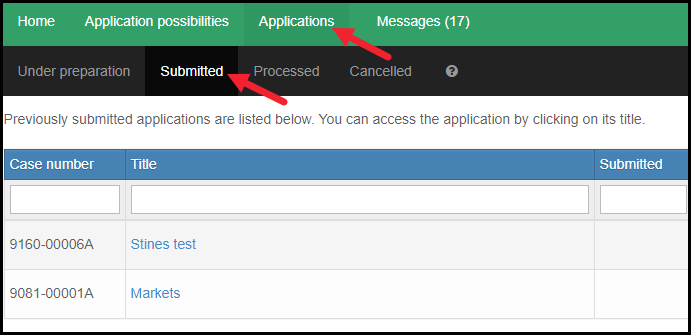
-
Click the title.
Scroll to the bottom of the page.
The application is placed in the list of documents.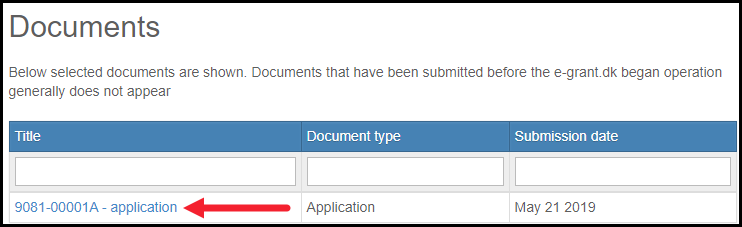
-
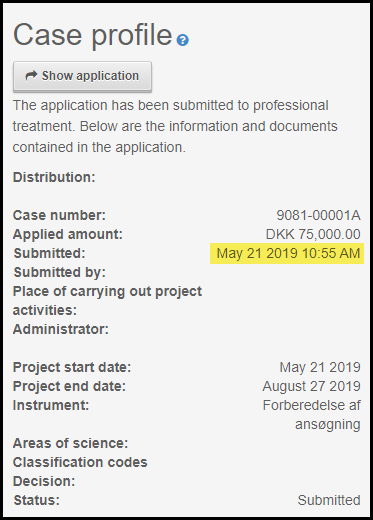
On the right you will find the Case profile.
In the Case profile you will find information about your application. Eg. the submission date and time.